

Draft - not released yet
This article is still a draft. Everything described here is planned to ship from August 2nd - in theory at least: a few PRs still need to be merged, and some testing remains to be done.
Reachy Mini turns one. Reachy Mini is a small open-source robot: a head that moves, two antennas, a microphone, a speaker and a camera. It fits on a desk. You can talk to it, it can look at you, and it can react.
A robot is only worth what you can make it do. That is where the past year of software went, and it is what we are releasing for its first birthday: a robot you talk to out of the box, add an ability to in one tap, and teach a new one in a single prompt - without writing a line of code.
All of it happens from a smartphone app, backed by a store of things the robot can do and by the Hugging Face ecosystem. Getting a brand-new robot onto your Wi-Fi is a one-time affair, so it waits until further down.
The galaxy around your robot
Talk to it
The headline feature is talking to the robot. For now the conversation runs in the app, which drives the robot as you talk. Start it and you are in a real back-and-forth voice conversation: you speak, the robot listens, thinks, and answers out loud while its head and antennas move along. It can also glance through its camera, play an emotion, and remember things you told it earlier.
Giving it a personality is just as easy: describe a vibe in one sentence and out comes a name, a voice and a whole character - or, if nothing comes to mind, hit surprise-me and the app invents an original one for you. A few personas ship built in, and the ones you make are saved and swappable.
Conversation comes with the robot. Everything else it can do comes from apps - and adding one takes a tap.
Give it a new ability, in one tap
Reachy Mini has an app store, and you reach it right from the mobile app. Browse the list, tap an app, and it runs on your robot. There is nothing to install and nothing to update. You can also browse the apps right here on the site to see what is already out there.
Anyone can publish an app there - more on that further down. Here are two to start with, each small and focused on one thing.
All the same underneath
None of these needed a special feature added to the robot. They all use the same handful of simple commands, combined in different ways.
Invent one, in a prompt
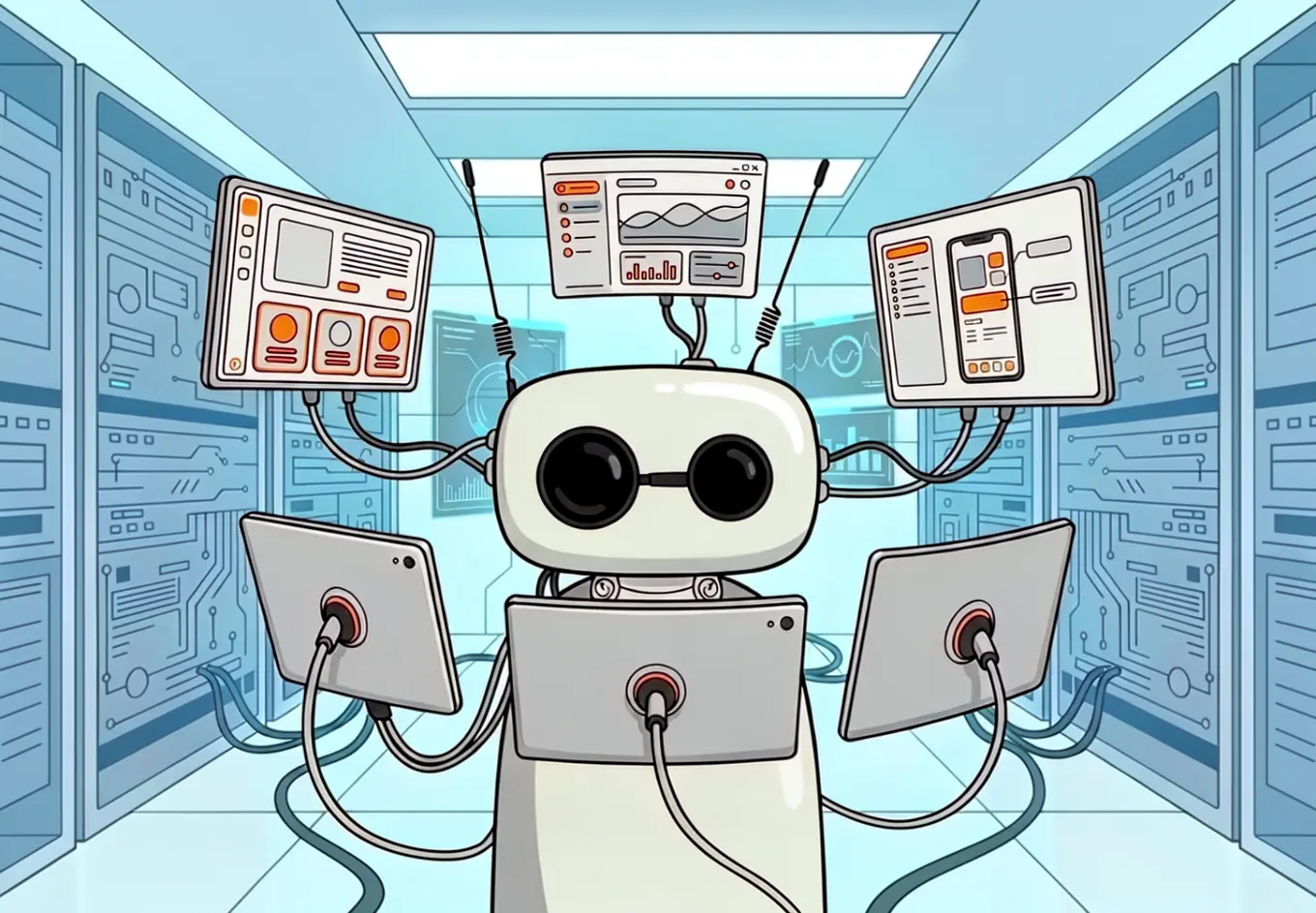
When you want something no app does, you describe it and an AI agent builds it - the Reachy Mini vibe coder writes the app and runs it live on your robot. Or, if you would rather write the code yourself, you take the wheel and build it locally. Either way you end up with an ordinary web app that runs on your real robot and lives in the same store as everyone else's.
Read next: build your own app
This is a whole topic of its own, so it has its own guide in the docs: Building & Publishing Apps walks through the vibe coder, what an app actually is, building it locally, bringing your own agent, and the two places your app runs.
Getting a new robot going
All of the above assumes a robot already on your Wi-Fi and signed in. Here is how a brand-new one gets there, all from the phone - once, and then never again.
The mobile app
The main way to use Reachy Mini is the mobile app. It is what sets up a brand-new robot in the first place - finding it over Bluetooth and putting it on your Wi-Fi - and once the robot is online, you sign in with your Hugging Face account, your robot shows up in a list, and you tap to connect. Everything you do day to day starts here.


First contact, over Bluetooth
The very first thing to do with a brand-new robot is get it onto your Wi-Fi. We first shipped this as a desktop app, and we learned a lot from it - but a desktop app is one more thing to install, and its connection was never quite dependable enough. So we moved the whole first-contact flow onto Bluetooth, straight from the phone: the app discovers the robot over Bluetooth, you pick your network and hand over the password, and the robot joins your Wi-Fi. No cable, no desktop install - and it is far more reliable.
One account, all your robots
For your robot to show up in that list, it has to be signed into the same Hugging Face account as the app. That shared account is how the app knows which robots are yours - on your desk, at the office, or on the other side of the world.
One account ties it all together
Behind the scenes, it all goes through one small server in the middle. When your robot comes online, it announces itself there as one of yours; the app, signed into the same account, just asks which robots are yours - and that is the list you tap from. Tapping one opens a direct connection between the app and the robot: the server introduces the two, then steps aside while the video, the sound and the movement flow straight between them.
The first wake-up
The very first time you connect, the app does not drop you straight into a conversation. It plays a short guided wake-up: the robot starts "still asleep" and you bring it to life together, one step at a time. Along the way it quietly checks that every part works - it hears you through the microphone, moves its head and antennas, looks at you through the camera, and speaks through the speaker - and you give it a name. It ends with a little greeting, and from then on you are straight into talking to it.
If you have a Lite
Everything above works exactly the same on both versions of the robot - they share one ecosystem, one app, one store. The only difference is how the Lite gets online.
Where a wireless robot does its first contact over Bluetooth, the Lite needs one extra piece: a desktop app whose job is to run the robot's software on your computer. Connect to the robot in the desktop app and sign in with your Hugging Face account. From then on, as long as the robot stays connected to the desktop app, it shows up in the mobile app and joins the exact same ecosystem as a wireless one - same conversation, same store, same apps.
Where apps come from, and where they run
Everything so far was the using side. Here is what an app actually is, and why anyone can publish one.
Every app in the store is a Hugging Face Space: a static web page hosted for
free on Hugging Face. Publishing is open to everyone - push a Space, tag it with
reachy_mini_js_app, and it shows up in the store like any other, right next to
the official ones.
Open, but not a free-for-all
A featured list highlights trusted apps, a blocklist removes bad ones, and an automatic filter screens content before it reaches users. Publishing stays easy; the store stays safe to browse.
Because every app is just a web page, the same app runs in two places without a single change to its code: embedded inside the mobile app, already signed in and connected to your robot, or standalone in any browser, with its own sign-in and robot picker. And to see everything an app can do, the SDK JS Demo App exercises the full surface of the SDK - video, audio, motors, motion and emotions - in a single page, which also makes it a handy reference when building your own.
The whole galaxy
This article stayed out of the plumbing on purpose, but behind everything you touch sits a larger ecosystem: the daemon that runs the robot, the signalling server that connects everything (the small server in the middle from earlier), the SDK apps are built on, the store and its catalogue, and the website. Here is the full map - every highlighted box links to its page.
And none of this is just a diagram. The services the galaxy runs on - the signalling server, the realtime conversation backend, and the apps API - are already in production today, health-checked live with rolling uptime on the Reachy Mini status page.
Wrapping up
Reachy Mini is a small robot, but the software around it is what makes it feel open. You talk to it out of the box, you add to it from a store, and when you want something that does not exist yet, you describe it and an agent builds it.
None of this asks you to be a roboticist. The app hides the setup, the SDK hides the robotics, and the store hides the deployment. What is left is deciding what your robot should do.
If you have a Reachy Mini, or just an idea for what one should do, the whole galaxy is already open to you.
Kudos
Reachy Mini and its software are the work of many people. Big thanks to the team behind the robot, its software and its apps: